
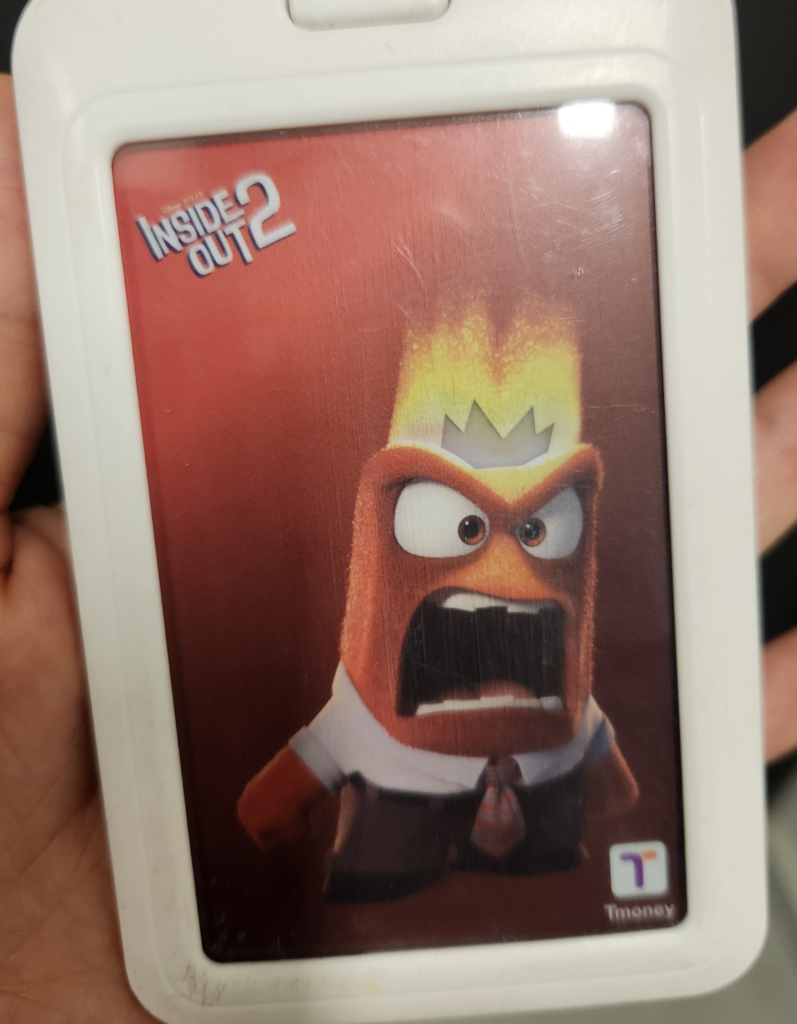
If you are planning a trip to South Korea, there is one item you absolutely must get as soon as you arrive: a T-Money card.
While South Korea is a highly digitalized, cashless society, its public transportation system still heavily relies on physical or specific digital transit cards for international tourists. In this comprehensive guide, I will explain everything you need to know about buying, using, and navigating the latest Apple Pay updates for a T-Money card like a local.
If you look closely at Koreans taking the subway or bus, you will rarely see them pulling out a physical plastic card. Most locals simply tap their smartphones (or smartwatches) at the gates. Want to travel like a local? Thanks to recent updates, international tourists can now do the same!
What is a T-Money Card?
A T-Money card is a standard rechargeable smart card used to pay for transportation fares in South Korea. With this single card, you can ride all subways, city buses, and even many taxis across the country (including Seoul, Busan, Jeju, and Gyeongju).
Using a T-Money card unlocks the country’s famous free transfer discount between buses and subways.
1. Where to Buy a T-Money Card & Fares for Children
You can easily purchase a physical T-Money card immediately upon arriving at Incheon International Airport or at any transit hub.
-
Where to Buy: Walk into any major convenience store brand—such as 7-Eleven, GS25, CU, or Emart24. They are located everywhere inside airport terminals.
-
Cost: A basic card costs 2,500 KRW to 4,000 KRW (contains 0 balance, you must charge it).
👨👩👧👦 Traveling with Kids? (Important Fare Rules)
If you are traveling with children, do not just buy a regular adult card for them. You need to register a discount at the convenience store counter:
-
Infants (Under 6): Free of charge (no card needed).
-
Children (Ages 6–12): Eligible for Child Fare (approx. 50% discount).
-
Youth (Ages 13–18): Eligible for Youth Fare (approx. 20% discount).
-
How to get the discount: When purchasing the card at the convenience store, hand it to the cashier along with your child’s passport and say, “Children card, please.” The clerk will register their birth date on the card instantly so they get the discount at the subway gates.
If you just arrived at Incheon Airport, check out our [Incheon Airport Transportation Guide] to find your way to the convenience stores.
2. The Big Update: Can You Use Apple Pay to Charge T-Money?
There has been a lot of news regarding Apple Pay and T-Money in Korea. Let’s clear up the confusion so your trip goes smoothly.
The Short Answer: You cannot directly top up a physical T-Money card using Apple Pay with a foreign credit card in your Apple Wallet app. However, there is a brand-new, officially supported workaround for international tourists using iPhones!
📱 How to Use T-Money on Your iPhone (For Foreign Tourists)
The official T-Money iOS application now features a “Foreigner” button directly on the login screen. This allows international tourists to completely bypass the strict Korean phone authentication process.
-
Download the official T-Money app from the Apple App Store.
-
Tap the “Foreigner” button on the start screen.
-
Issue a virtual T-Money card and add it directly to your Apple Wallet.
-
You can now top up this virtual card inside the app using international credit cards (Mastercard, American Express, and UnionPay are fully supported; Visa is currently unavailable).
-
Express Transit Mode: Once added to your Apple Wallet, you can enable “Express Transit Mode.” This allows you to simply tap the top of your iPhone or Apple Watch at the subway gates without unlocking your phone or using Face ID!
※ Note for Android Users: Android users can register a mobile T-Money card in a very similar way via their phone’s built-in NFC settings and the official app.
3. How to Charge a Physical T-Money Card (With Cash)
If you prefer using a physical card, or if your credit card is a Visa, you will need to load money using cash (Korean Won).
⚠️ Note: Subway kiosks and convenience stores do not accept foreign credit cards for loading physical T-Money cards. You must have physical cash.
-
Option A: At a Convenience Store: Hand your card and Korean Won cash to the cashier and say, “Chung-jeon hae-ju-se-yo” (Please charge it).
-
Option B: At a Subway Ticket Machine: Select English on the automated kiosk screen, tap “Reloading the transit card,” place your card on the sensor, and insert your cash.
4. How to Use It & The Transfer Discount System
Using the card is simple: just tap it on the sensor at the subway turnstile or when boarding a bus until you hear a “beep.”
-
The Golden Rule: You must tap your card both when you get on and when you get off the subway or bus.
-
Why? South Korea uses a distance-based fare system. If you forget to tap off when exiting, you will be charged a maximum penalty fare on your next ride.
-
Free Transfers: If you tap off correctly, you can transfer between subways and buses for free within 30 minutes (extended to 60 minutes from 9:00 PM to 7:00 AM).
5. How to Get a Refund Before Leaving Korea
If you have left-over money on your T-Money card at the end of your trip, you can easily get a cash refund.
-
Where to go: Any major convenience store (GS25, CU, 7-Eleven, Emart24).
-
The Process: Hand your card to the staff and ask for a “Hwan-bul” (Refund).
-
Limits & Fees: You can get an instant cash refund for any balance under 20,000 KRW. A small service fee of 500 KRW will be deducted from your remaining balance. You get to keep the physical card as a souvenir!
Summary Checklist for Travelers
-
Register your children’s passports at the convenience store to get the Child/Youth discount cards.
-
iPhone users can download the T-Money app, tap “Foreigner,” and top up a virtual card using Mastercard/Amex via Apple Pay.
-
If using a physical card, always keep some Korean Won cash handy for topping up.
-
Remember to tap off every time you exit a bus or subway!